

Your systems connected to one trusted source
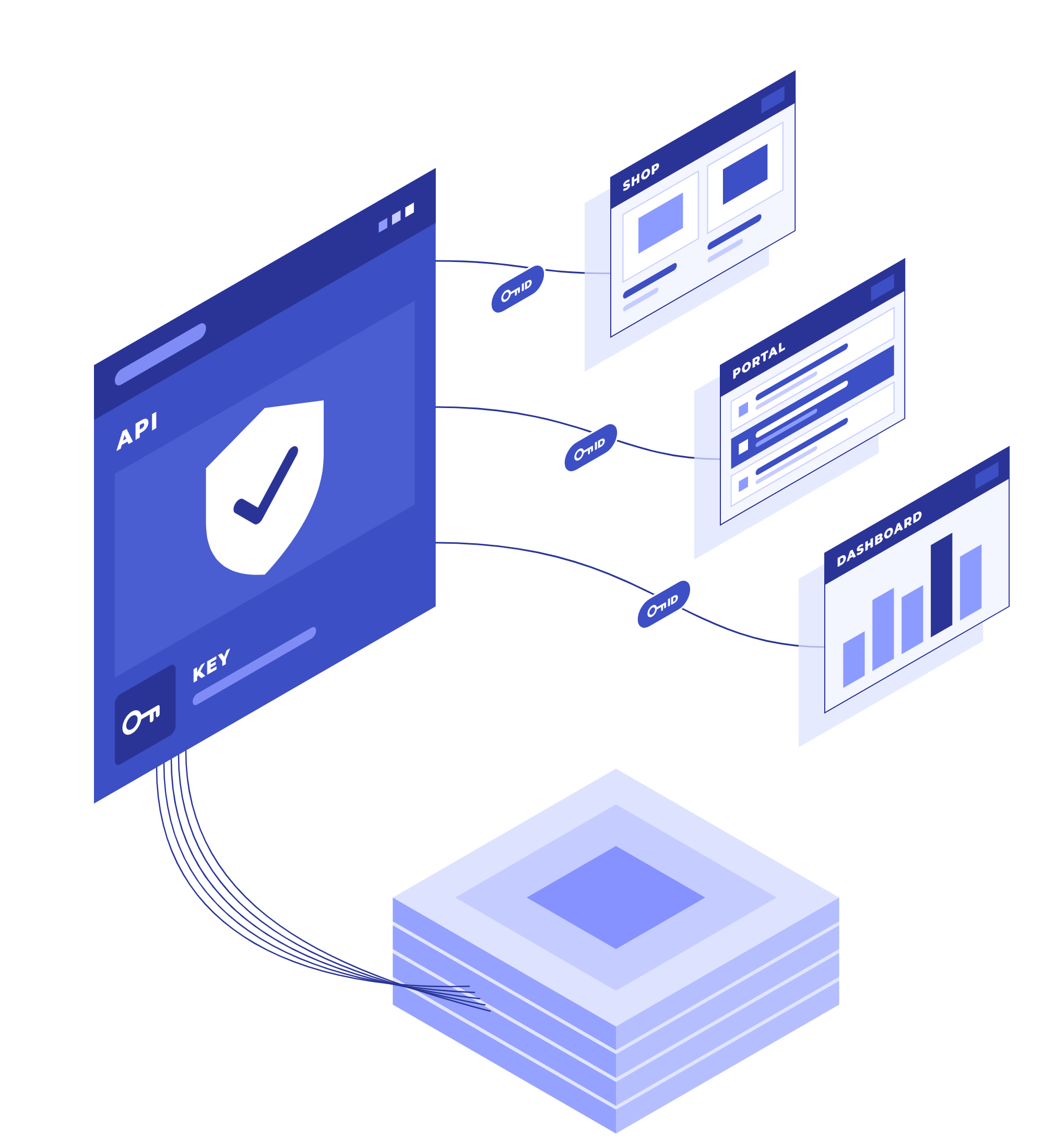
Your applications, portals and reporting tools read governed records through one secure API, not emailed exports. Each gets its own key, with only the access it needs.

Stop emailing exports between systems
In most organizations, systems share data through direct database reads, CSV drops and emailed files. Each integration works its own way, and it creates three problems:
1. Integrations skip your data checks.
Nothing is validated, audited or held to your rules.
2. Every copy is out of date.
An exported file is stale the moment it arrives, and nobody knows who still holds it.
3. No one can say who has access.
API keys multiply, and who can read what lives in a spreadsheet on someone's drive.
Data Connect replaces that with one controlled way in: applications read the governed records in Data Hub through a documented API, with access you set and can review.
What Data Connect delivers

One controlled way in. Applications read governed records through one documented API, instead of direct database reads and file drops
No more stale copies. Every call reads your governed records as they are now, so no system works from last week's export
Only the data each application needs. Each key covers only the data areas you choose, and can never get more access than the person who created it
Access you can control and review. Rotate or revoke any key at any time, and every change to a key is on record
Every system sees the same data. Your web shop, partner portal and reports all read the same governed records, so they never disagree
A fast start for developers. An interactive API reference and a ready-to-run example take developers from key to first call
Connect, control and audit all in one place

Governed REST API
List and read governed records through a versioned REST API, with access rules enforced on the server.

Live API documentation
An interactive OpenAPI 3.1 reference for each data area, where developers can try calls with their own token.

Ready-to-run example
A copy-ready example, prefilled with your token address and a first endpoint, so developers have a working first call to build from.

One key per application
Each application gets its own named key, with its own role and the data areas it may read.

Rotate or revoke anytime
Renew a key's secret or revoke the key whenever you need to. The secret is shown only once.

Standard, secure sign-in
Applications sign in with standard OAuth 2.0 client credentials and short-lived access tokens.

Every change on record
Creating, rotating, revoking, deleting and editing a key are all recorded in the security audit.

Built for large reads
Read large sets of records page by page, with filters and sorting documented field by field.
Governed data behind every application and partner
Wherever your data needs to go, Data Connect serves it from the same governed records, with access you control.
See it in action: Integrating an acquisition
E-commerce & campaign tools
Feed online stores and campaign tools with governed customer and product data through one API, instead of file drops.
Partner & supplier portals
Give partner and supplier portals the supplier and product data they need, and only that.
Reporting & BI tools
Feed reporting tools from governed records instead of one-off extracts, so every dashboard starts from the same current data.
Plant & operations systems
Let plant systems read the supplier and part master from one source, instead of integrating with each other.
Data in your own products
Build governed enterprise data into your own applications, with a separate key for each one.
Retiring file exports
Replace CSV drops and emailed exports with one read path that follows the same access rules as the app.

Introducing Black Tiger’s Enterprise Data & Operations Platform
Questions we hear
How do we control what each application can see?
Each key holds a role and the data areas it may read, and it can never get more access than the administrator who creates it. You can rotate or revoke a key at any time, and every change is recorded.
Can applications write data through Data Connect?
No. Data Connect is read-only: applications read lists and single records. Records are created and changed in the app and through your data pipelines, where they are checked and recorded.
How do our applications sign in?
With an API key: a client ID and secret exchanged for a short-lived access token, using standard OAuth 2.0 client credentials. The secret is shown once, when the key is created or rotated.
Can our BI and reporting tools use it?
Yes. Applications and tools read governed data through the REST API, and any governed list also exports to CSV or Excel for tools that prefer files. Contact our team to discuss your setup.
Do we need Data Hub to use Data Connect?
Data Connect serves the governed records in the platform, and works best with Data Hub: everything Data Hub governs is what Data Connect serves.
Where do our developers find the documentation?
In the app. Each published data type is listed with its address and an interactive OpenAPI reference, where developers can try calls with their own token, plus a ready-to-run example to start from.
Ready to stop emailing exports between systems?
Data Connect gives every application one controlled way to read the records you already govern in Data Hub, with access you set and can review.
Prefer to pick a time now? Get a demo →
