

Answers you can trust, in seconds
Ask a question about your data in plain words and get the answer in seconds, often as a chart. Every figure shows its source and uses only the records you're allowed to see.

Stop waiting on analysts for simple answers
In most organizations, a simple question about the business, like how many orders are open by status, turns into a ticket, a wait and a spreadsheet. It creates three problems:
1. Simple questions wait in a queue.
People wait for a one-line answer, and the decision waits with them.
2. Nobody knows where the number came from.
A figure pasted into a slide rarely says what it counts or when it was read.
3. Analysts lose time on routine requests.
The people who should be finding insights spend their day answering one-line questions.
Data Chat replaces that with an answer in seconds, read straight from the governed records in Data Hub, with the source on every chart.
What Data Chat delivers

Answers in plain words. Ask how many, how much or how it changes, the way you would ask a colleague
Charts, not just numbers. See a key figure, a bar chart, a trend by week or month, or a small table
A source on every chart. Each chart says what it counts, how many records and when it was read, so every figure can be checked
Only what you're allowed to see. Answers use only the records your role gives you access to, under the same rules as your lists and reports
Follow-ups without starting over. Ask "the same by month" or "only the delivered ones" and Data Chat builds on the last answer
Your key figures, always current. Save an answer to My Dashboard and it's worked out again with the latest data each time you open it
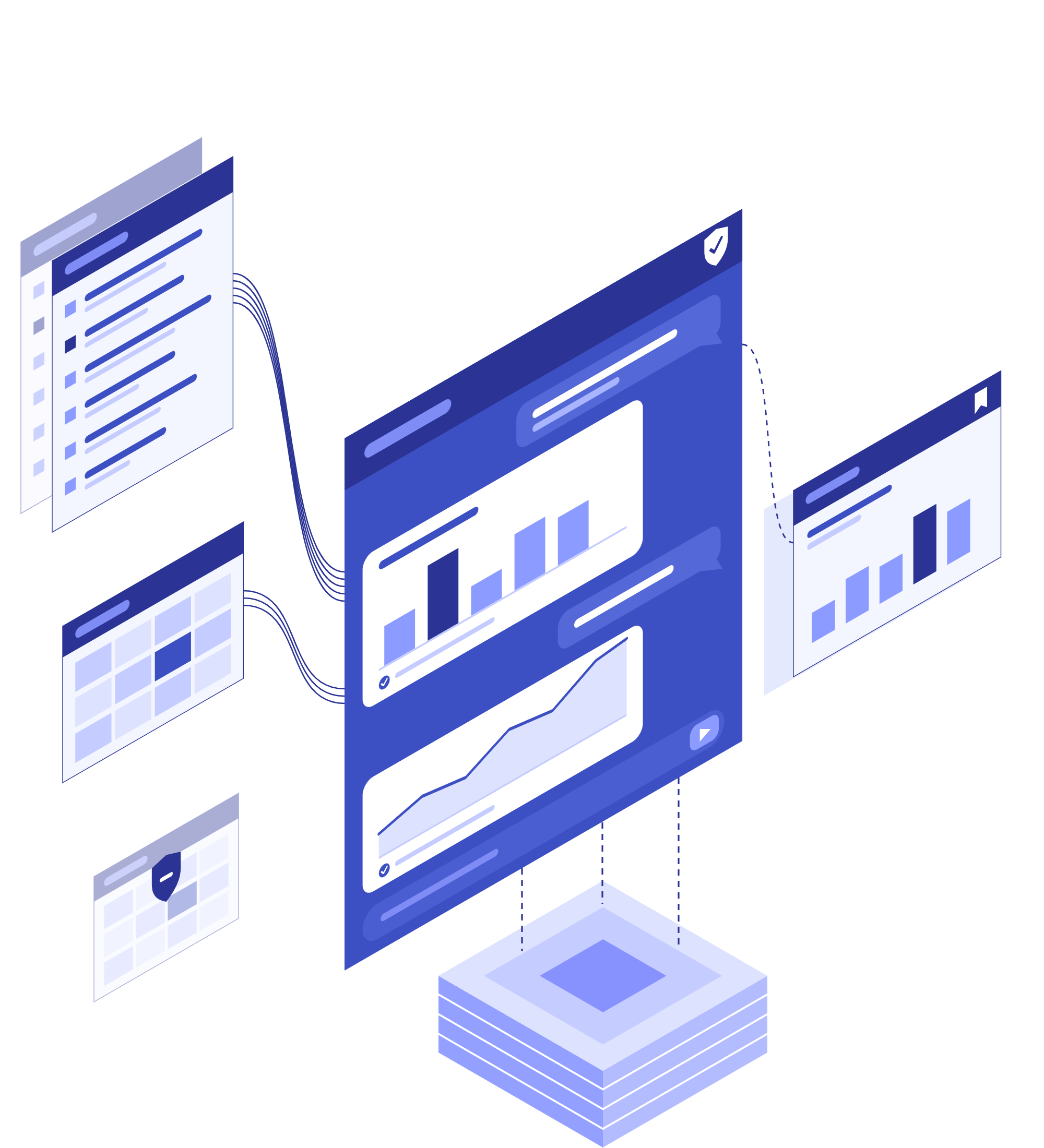
Ask, see and keep all in one place

Plain-language questions
Type a question in the chat, the way you would ask a colleague, and get a short written answer in seconds.

Visual answers
Key figures, bar charts, trends and small tables, right in the answer.

Trends by week or month
Follow how a figure changes over time, with the current week or month marked as still open.
Source on every chart
Each chart names its data, the number of records it counts and the time it was read.

Your access, nothing more
Answers use only the records your role lets you see, under the same rules as your lists, reports and exports.

Answers on My Dashboard
Keep the answers you rely on, recalculated with current figures each time you open them.

Read-only by design
Data Chat reads and counts. It never changes a record: changes stay in Data Hub, with their checks and audit.

Never stuck waiting
Stop a question that takes too long and ask another, or type your next question while the current one runs.
Quick answers for every team and meeting
Whatever your teams need to know, Data Chat answers from the same governed records, with the source on every chart.
See it in action: Getting your data AI-ready
Meeting prep
Check how many orders, customers or campaigns there are, by status, minutes before a meeting.
Weekly KPI check-ins
Keep the two or three figures you watch every week on My Dashboard, current each time you open it.
Sales & commercial questions
Let commercial teams check orders, customers and campaigns without waiting on an analyst.
Purchasing & quality
Count suppliers, parts and open issues by status in a few seconds.
Data stewardship
Count records by status or category to see where work is waiting.
Trends without a report
Follow a figure by week or month without asking anyone to build a report.

Introducing Black Tiger’s Enterprise Data & Operations Platform
Questions we hear
Does Data Chat answer from our own data?
Yes. It answers from your governed records, within each person's access, and every chart names its source and the number of records it counts.
Can people see data they shouldn't?
No. Every answer uses only the records the person asking is allowed to see, so two people asking the same question can get different numbers.
Can Data Chat change our records?
No. Data Chat reads and counts. Changes are made where they always are, in Data Hub and its forms, with their checks and audit.
How is this different from our reports?
Reports give the standing view your teams run on every week. Data Chat answers the one-off question in between, in seconds, without anyone building a report.
How do we control who can use it?
Your administrators give Data Chat to people through their role. It follows the same access rules as your lists, reports and exports.
Who can see my saved answers?
Only you. Saved answers stay on your own My Dashboard and are recalculated with your current access each time you open them.
Ready to stop waiting on analysts for simple answers?
Data Chat answers from the records you already govern in Data Hub, with the source on every chart.
Prefer to pick a time now? Get a demo →
